Photo Enhancer Online Professional Quality Upscaling & Restoration
Don't settle for generic filters. PhotoEnhancer.pro uses specialized engines to handle different enhancement needs—from upscaling anime to 8K, to fixing blurry video frames, to restoring old family photos. Choose the right mode and get professional results instantly.
- Specialized Engines – Tailored for portraits, anime, and restoration.
- Up to 8K Upscaling – Crystal clear details for large prints.
- Instant & Secure – Processed locally or securely in the cloud.
Supported formats: JPG, PNG, WEBP
10,000+
1M+
99%
< 10s
3 Specialized Modes for Every Image Scenario
Most enhancers apply the same logic to every photo. We don’t. Choose the engine tailored to your goals.
For Daily Use: Balanced Enhancement & Speed
Best for daily use. Strikes the perfect balance between processing speed and visual clarity.
Best For
Everyday phone photos, snapshots, video frames, social media.
How it works:
Prioritizes noise reduction and deblurring to fix 'fake HD' or compressed content instantly.
When to use:
If your photo is blurry, grainy, or looks like a low-quality JPEG.
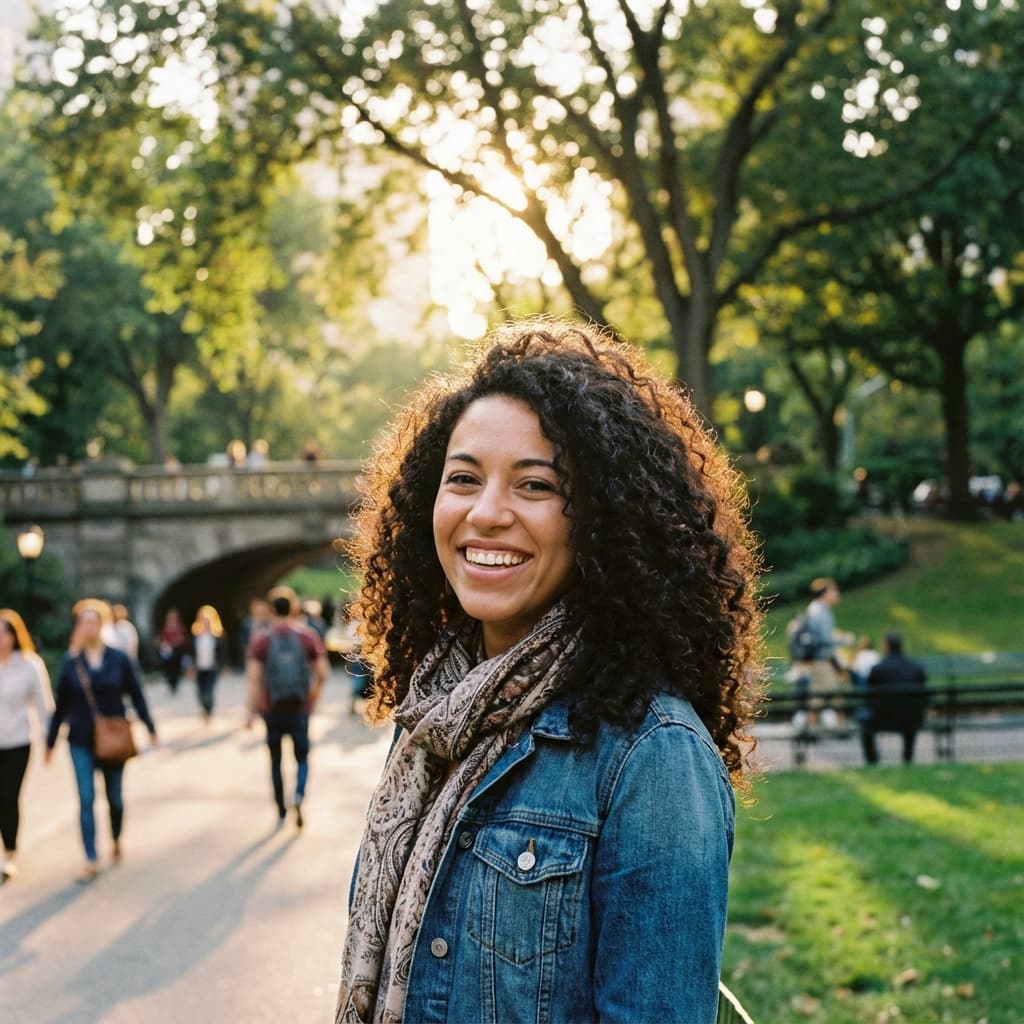
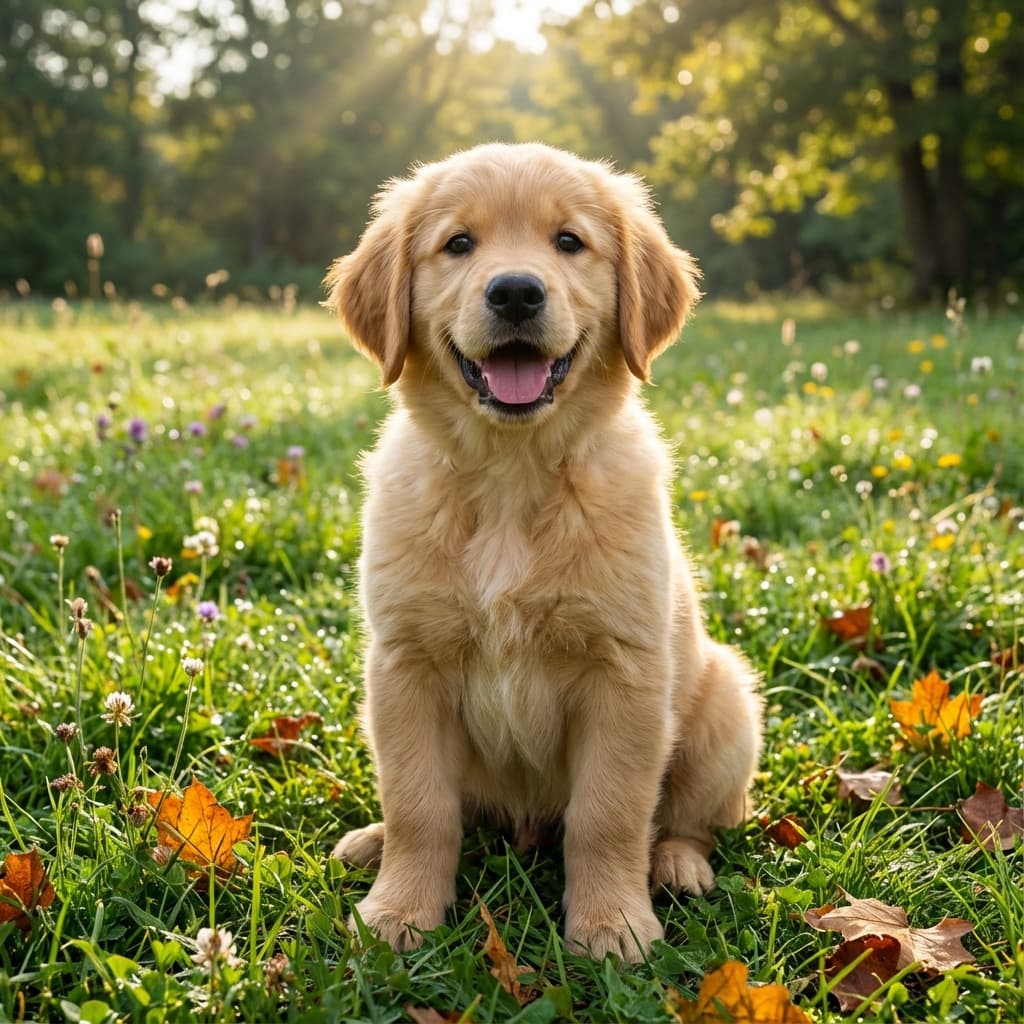
Hover to see the difference
Which Photo Enhancer Mode Should I Choose?
Not sure which engine to use? Follow this simple guide to get the best result.
Scenario 1: You need a quick fix for a blurry shot.
If you have a blurry screenshot, a low-light phone photo, or a frame captured from a video, this mode cleans up the noise and sharpens edges naturally without altering the original look too much.
Scenario 2: You want to print a poster or use an image on a 4K monitor.
If your file is already okay but needs to be much larger (scaling from 1080p to 4K or 8K), this mode adds the necessary texture and detail to ensure it looks crisp even when viewed up close.
Scenario 3: You have an old, damaged, or black-and-white photo.
Don't just upscale the blur. Use this mode to remove scratches, fix facial details, and even colorize the photo. It’s perfect for restoring memories.
Professional-Grade Technology Under the Hood
Why do our results look better? Because we match the algorithm to the problem.
Texture Recovery vs. Noise Reduction
Traditional tools confuse noise with detail. Our Fast Clarity engine (based on VSR technology) is trained to distinguish between digital noise (which it removes) and visual texture (which it keeps).
Generative Detail Construction
For our Ultra-Clear mode, we use advanced generative models. This means the AI understands what "hair" or "fabric" should look like, allowing it to reconstruct realistic details that weren't present in the pixelated original.
How to Enhance a Photo Online with PhotoEnhancer.pro
Simple, fast, and automatic. No editing skills required.
1. Upload a photo
Open PhotoEnhancer.pro and click to upload a photo from your computer or phone. The photo enhancer works with everyday images from cameras, screenshots, or downloads.
2. Let the enhancer do the work
Once your photo is uploaded, the enhancer automatically analyzes sharpness, lighting, contrast, and noise. In a few seconds, it prepares an upgraded version.
3. Preview and download
Use the before-and-after view to check how much the photo quality has improved. If you like the result, download the enhanced version.
Enhance Your First Photo for Free Today
Experience the difference with our AI-powered photo enhancer. No credit card required.
One Tool, Unlimited Possibilities
From personal memories to professional workflows.
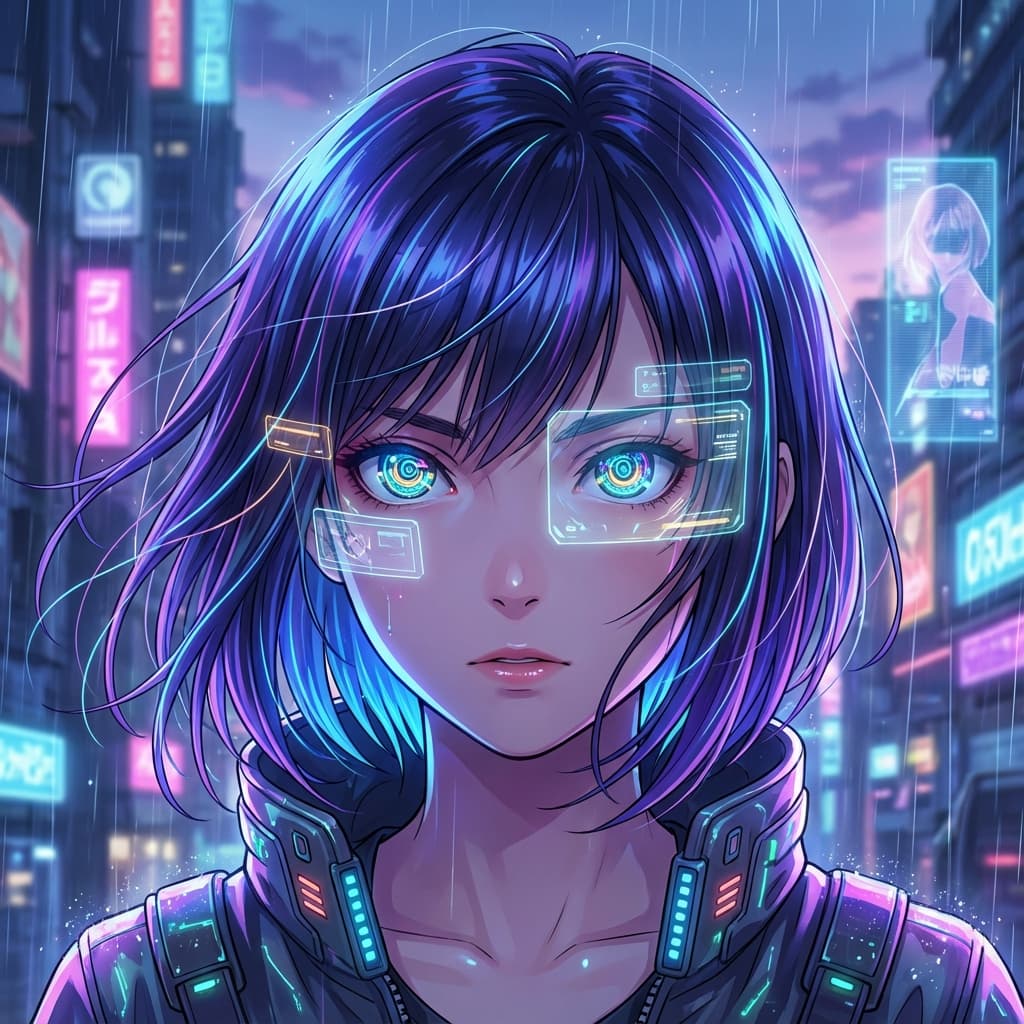

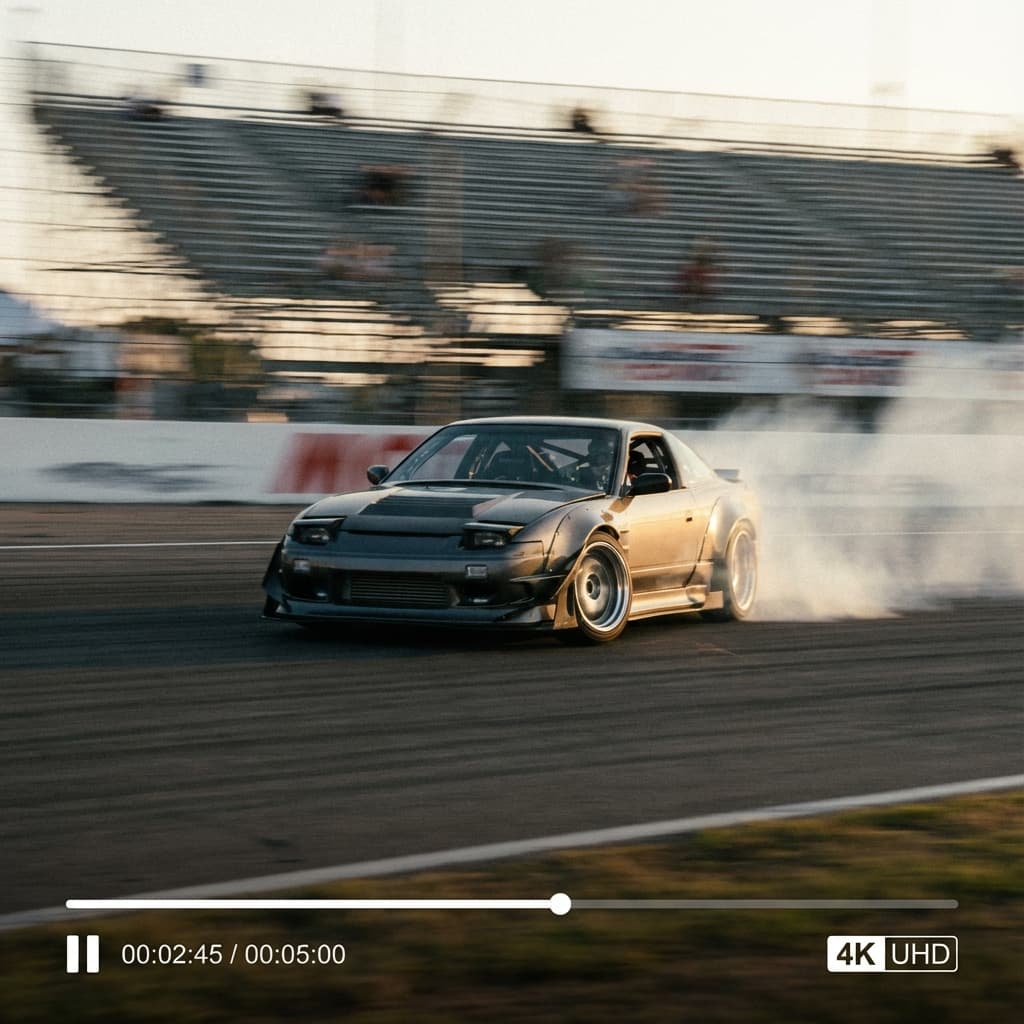
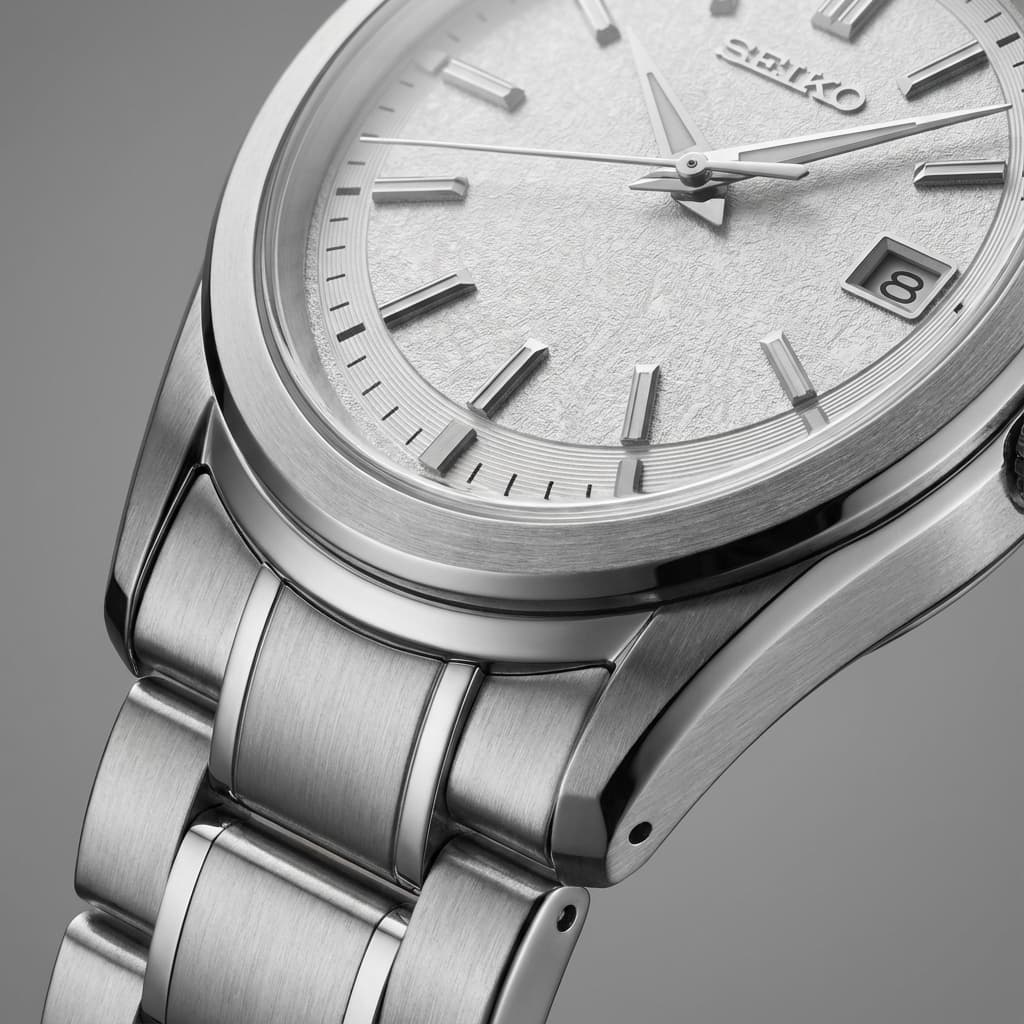

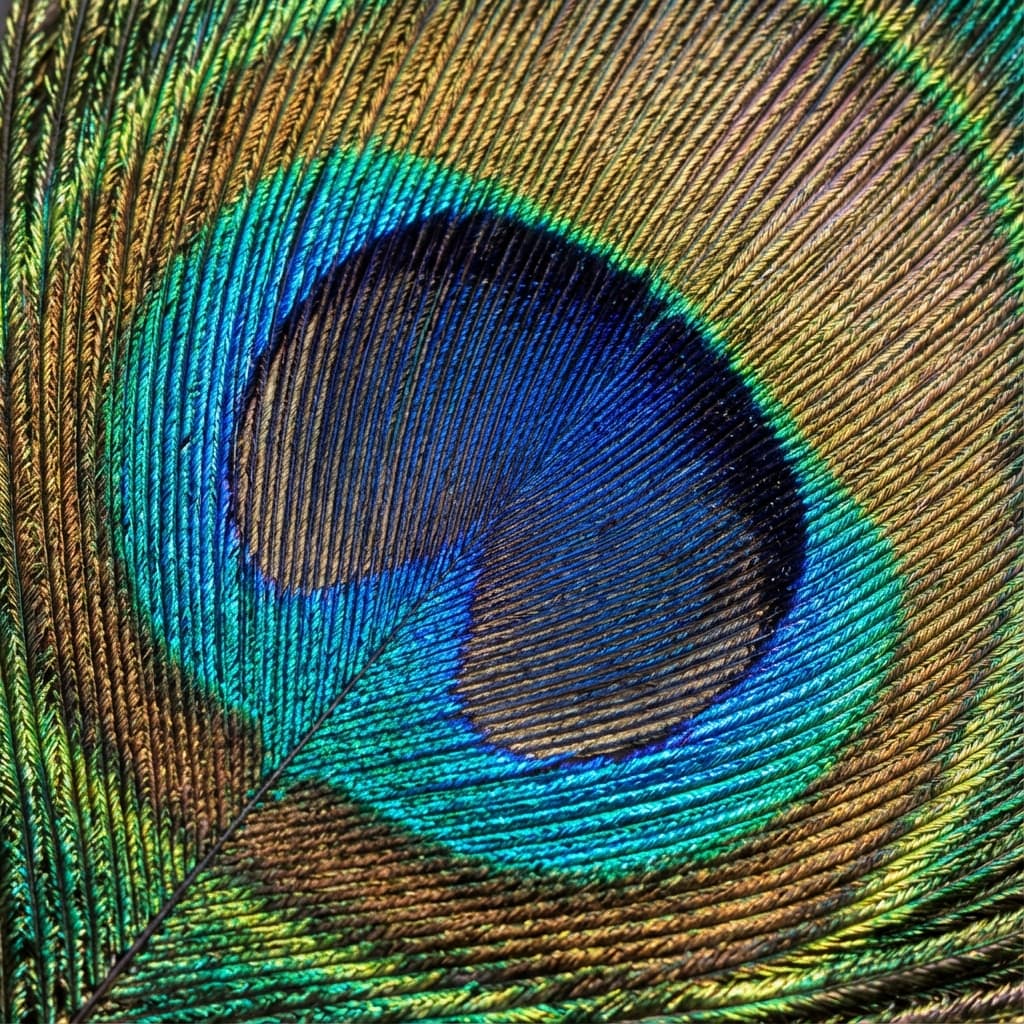
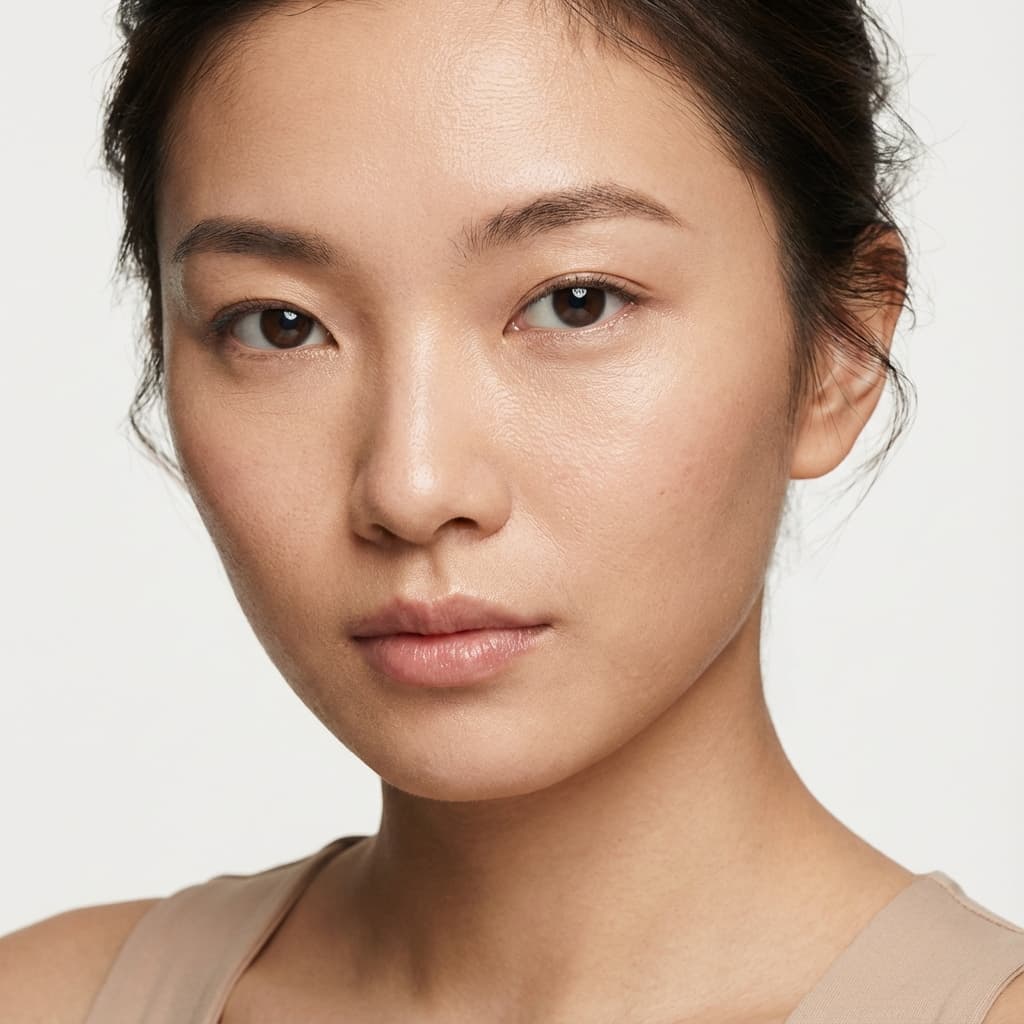
Why We Are Different
We don't just "sharpen" pixels. We rebuild them.
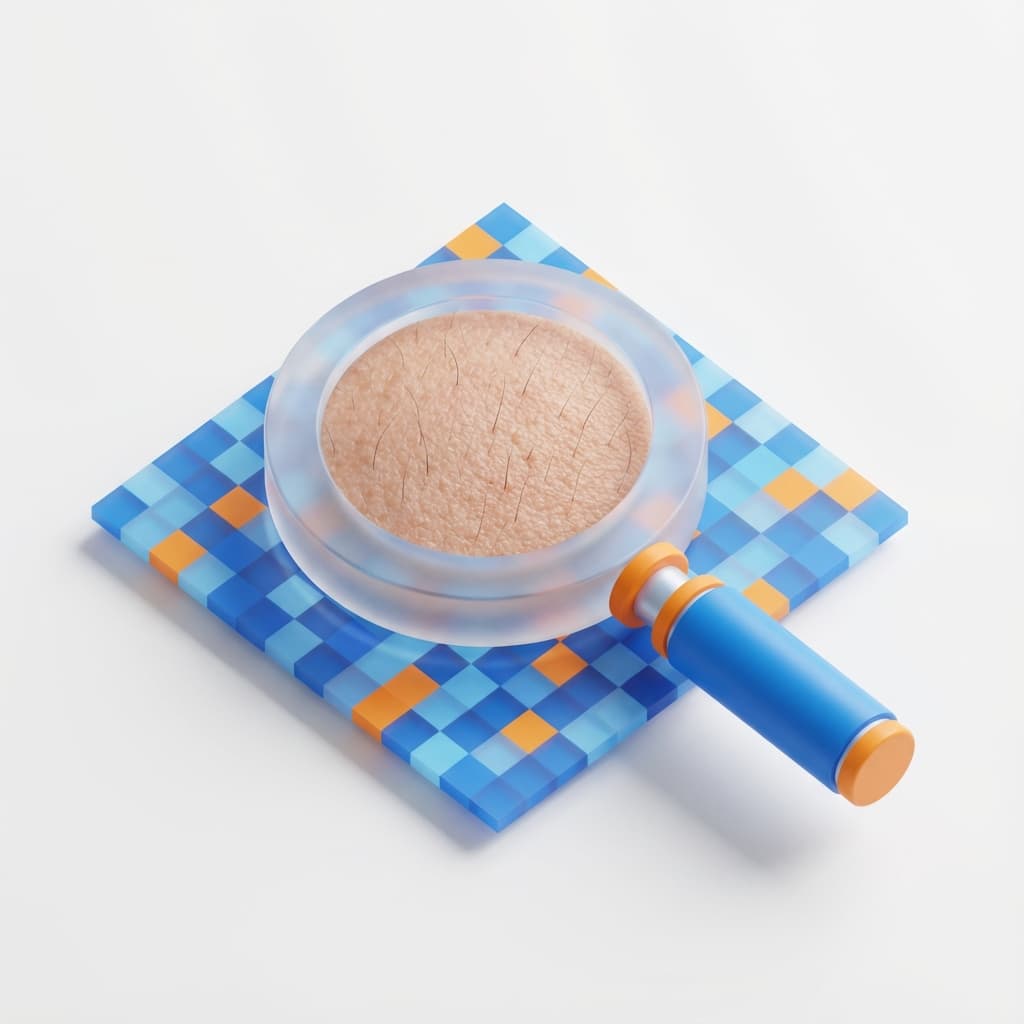
Generative Detail Reconstruction
Unlike basic filters, our AI hallucinates missing details. It reconstructs realistic skin texture and fabric patterns from completely blurry inputs.

High-Speed Core
Optimized for speed. Our engine processes 4K upscaling in seconds, not minutes, utilizing advanced GPU acceleration.
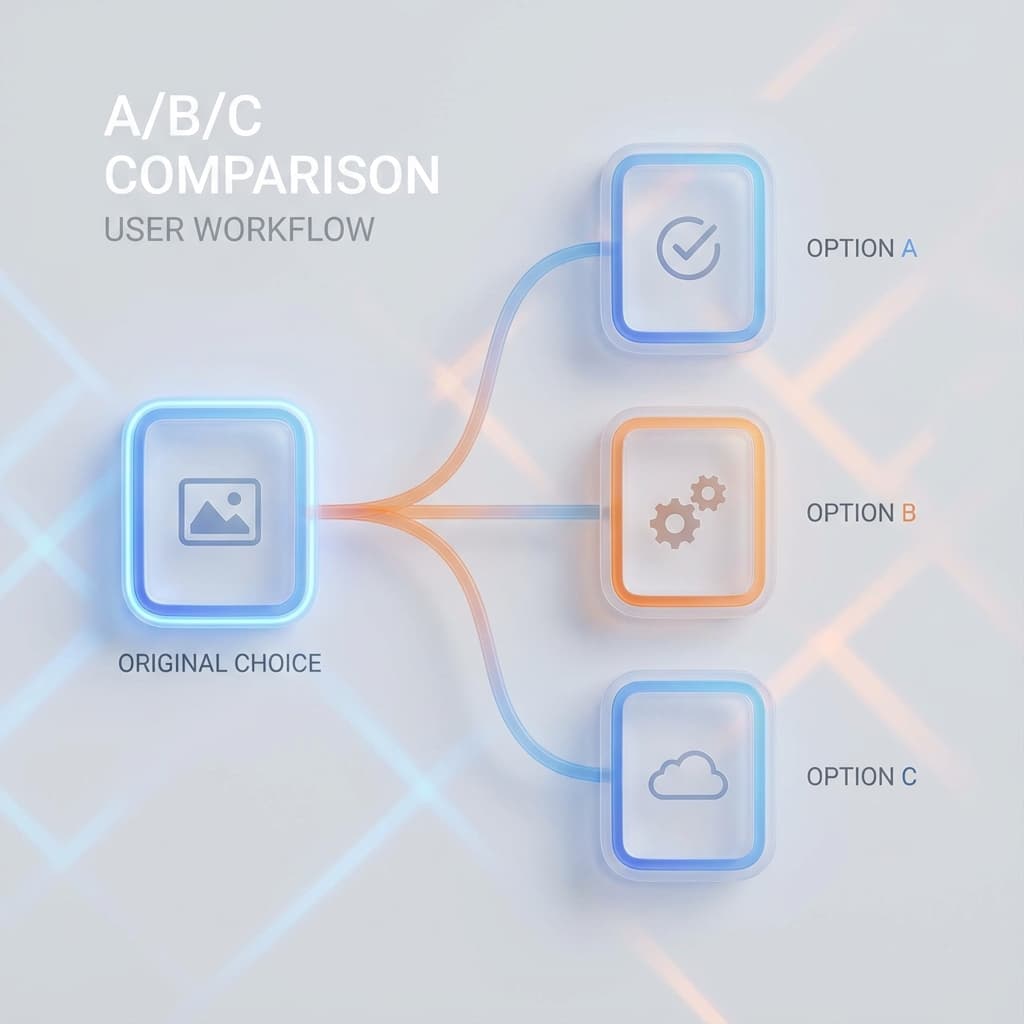
Visual Model Comparison
Not sure which style fits? Upload once and compare 3 distinctive AI outputs (Clarity vs. Detail vs. Restore) side-by-side.

Zero-Trace Privacy Policy
Your photos effectively cease to exist after processing. We run on ephemeral instances that auto-wipe data every hour.
Loved by Thousands
Join satisfied users who trust us with their most important photos.
"This tool is a lifesaver! It recovered details in my photos that I thought were lost forever. The results look completely natural, which is rare for AI tools."
"Product photos look so much sharper now. My conversion rates have actually increased since I started using this to clean up my inventory images."
"The upscaling quality is incredible. I can print large posters from small client assets without any pixelation. It's now part of my daily workflow."
"I use this for every property listing. It makes even quick phone photos look professional and crisp, which helps sell homes faster."
"Fast, free, and high quality. Exactly what I need for quick content creation when I'm on a tight deadline with blurry assets."
Common Questions
Everything you need to know about professional photo enhancement.
More AI Tools
Explore our full suite of professional editing tools.